Dual screens with a common or separate feed
Active image at 16:9 · 3.32 × 1.87 m
Mark blocked seats and each signal run. Decide whether both screens show the same source.
Send the exact hall in town or Paroi and identify any columns that block the screen when the dinner tables are in place.
Active image at 16:9 · 3.32 × 1.87 m
Mark blocked seats and each signal run. Decide whether both screens show the same source.
Active image at 16:9 · 3.98 × 2.24 m
For deep seating, compare 150–180 inches. Test small letters with the actual lens and room lights.
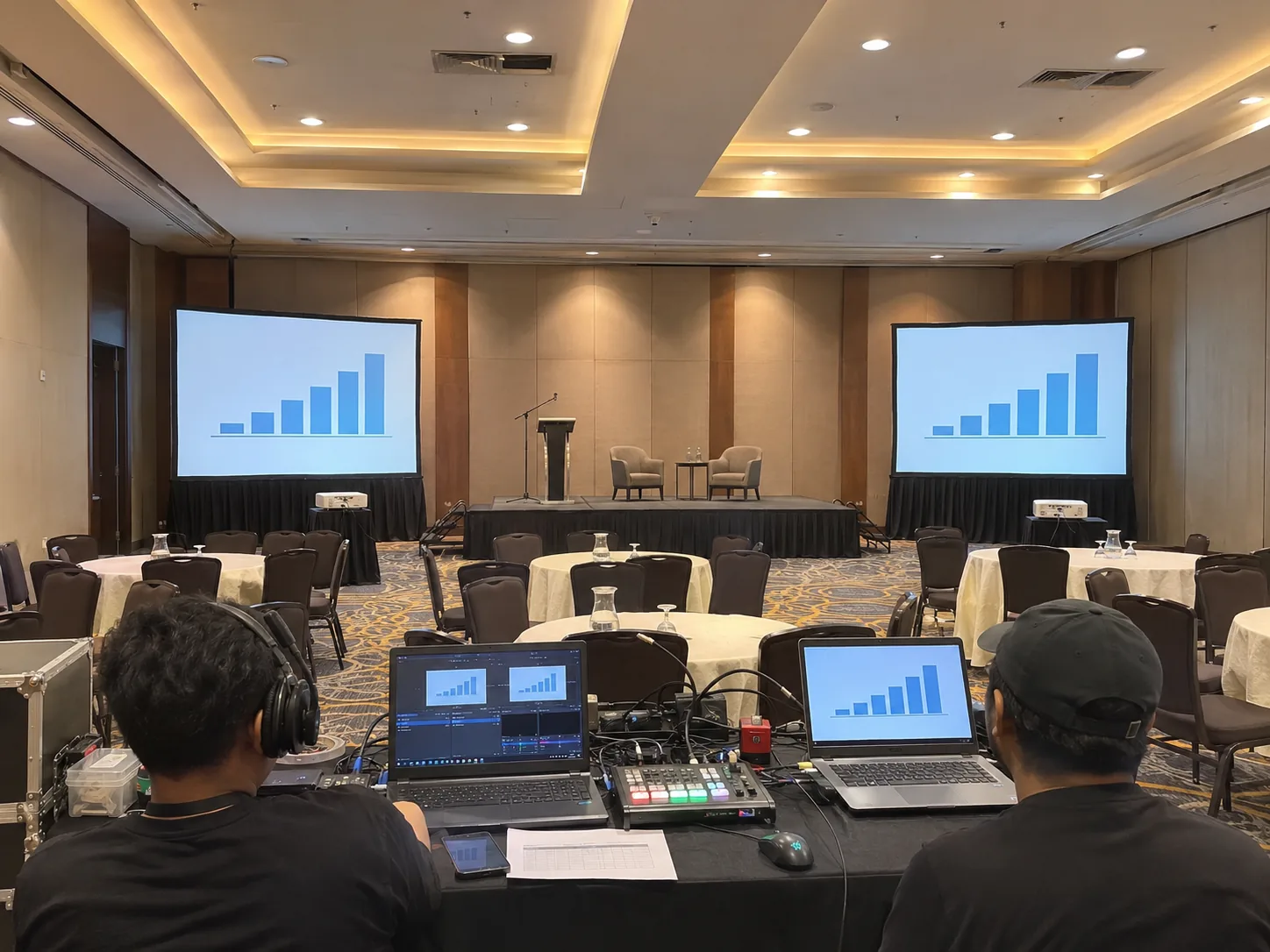

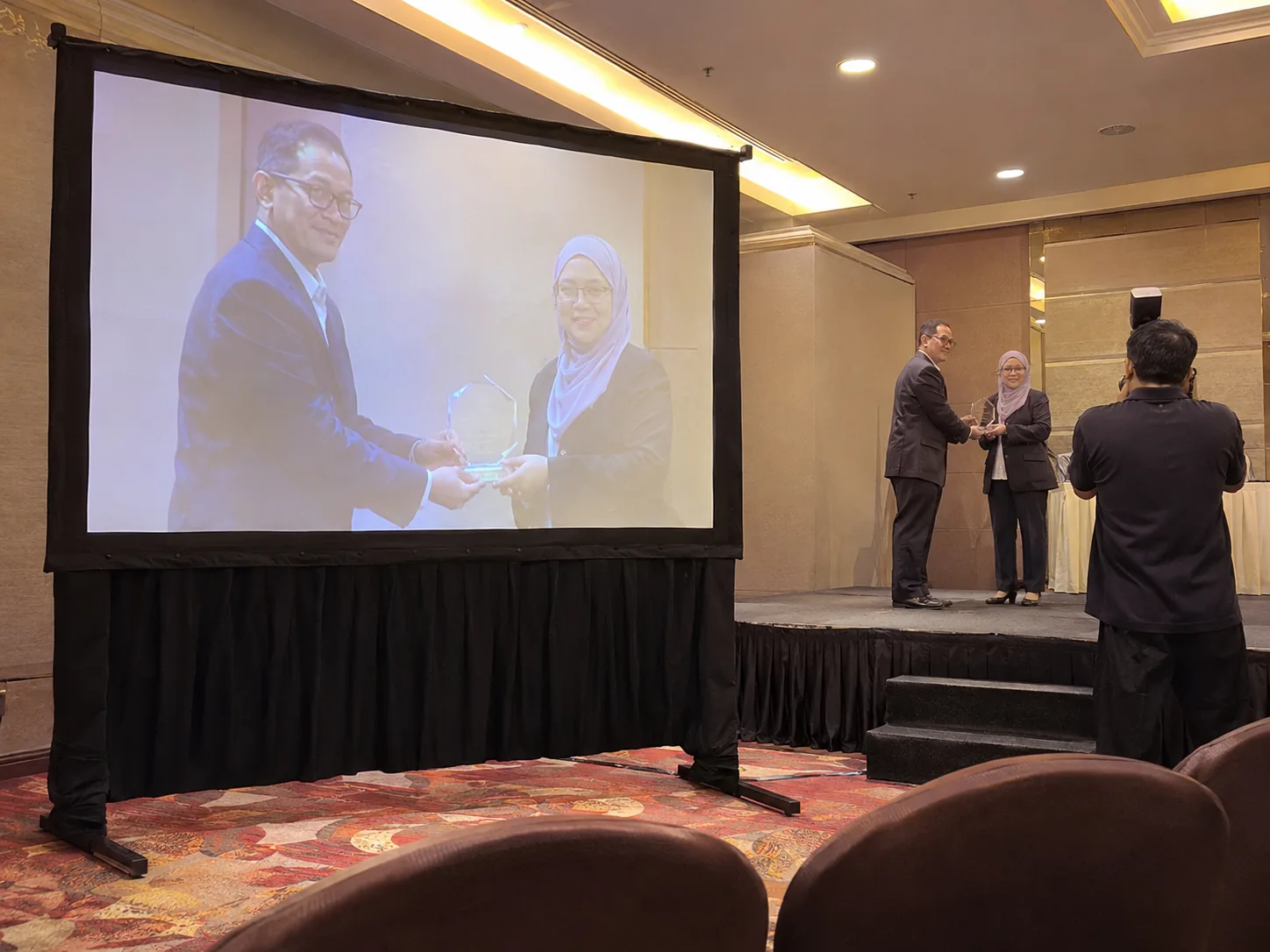
The brief A Paroi awards banquet with columns between the stage and tables on either side.
Place a text slide on each side of the obstructing columns and check if both outer seating blocks can read it. Give the operator a single cue if both screens are meant to mirror.
How we check it Mark the columns on the dining plan and check whether each side needs its own image. Ask where the operator can see both the stage and presenter’s laptop.
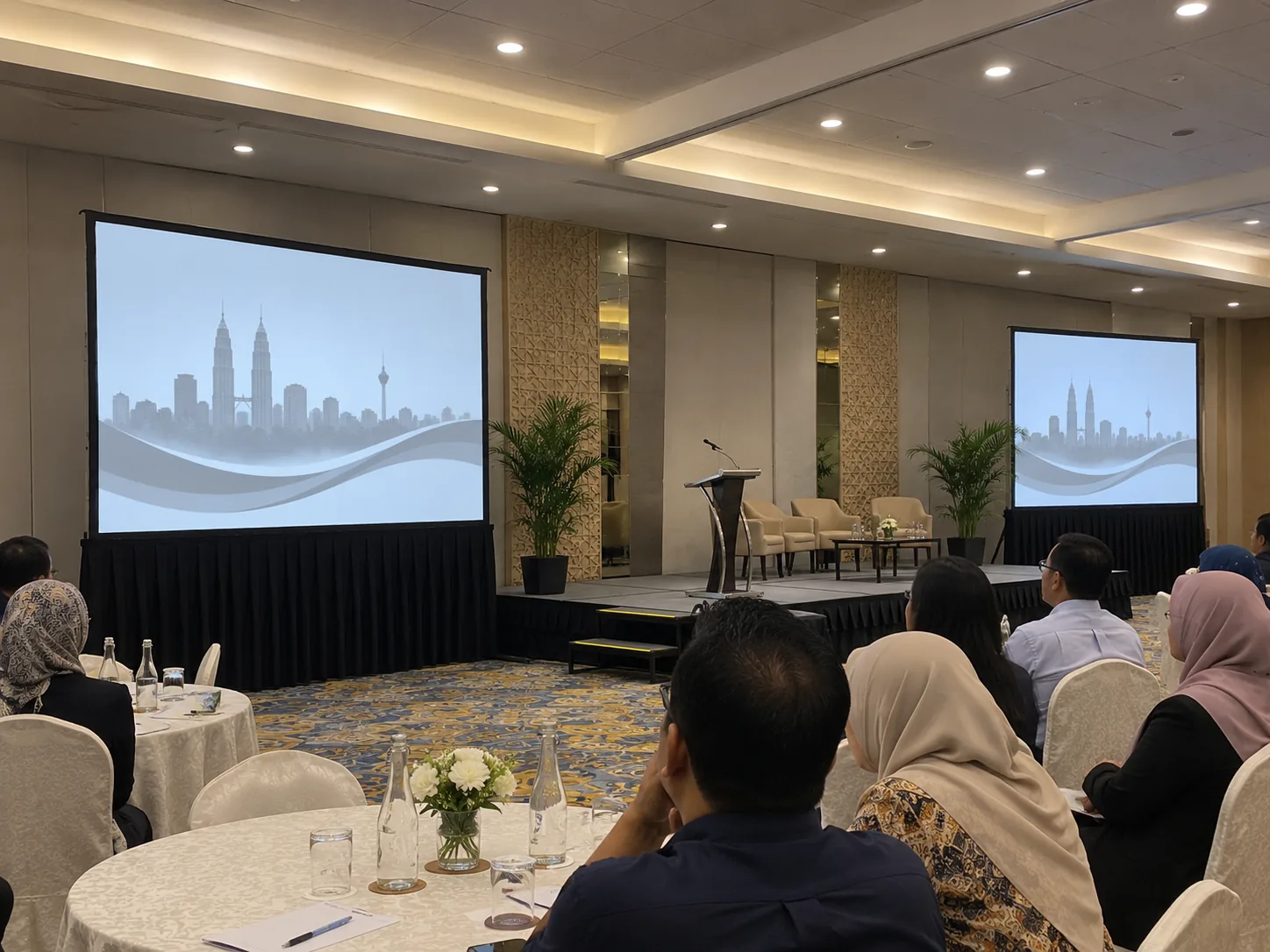
Keep the discussion feed easy to see from the registration table as well as from seats. For a short briefing, request an exact window for setup and check the built-in audio before adding a PA.
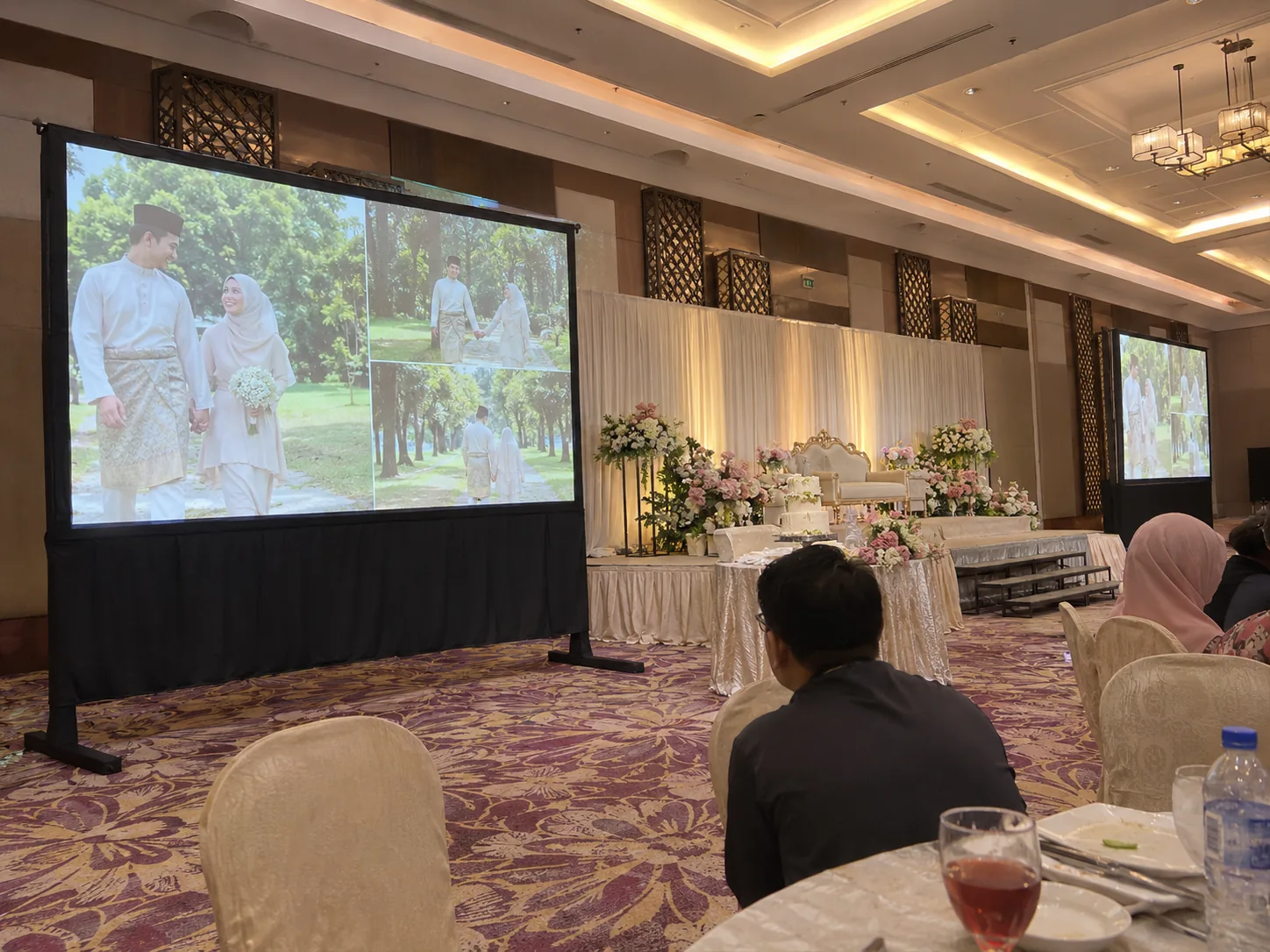
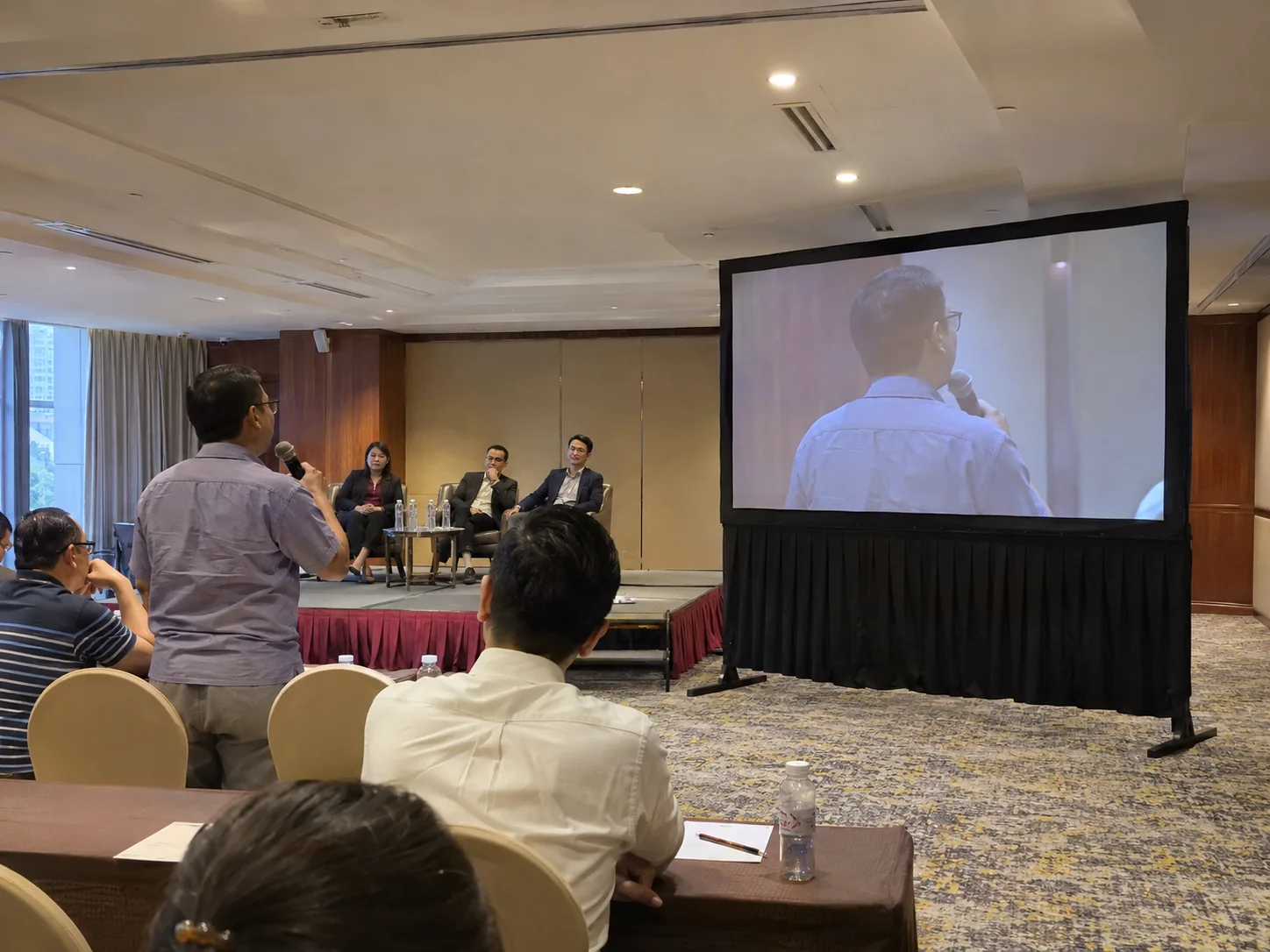
Confirm the authorised area and the officials’ view before routing signal. Give the actual gate rather than relying on the stadium address alone.
For talks followed by awards, check how the screen lines up with the lectern and where recipients enter. Reserve a test after seating is in place.
Seremban
Seremban
Seremban
Seremban
For Seremban town, Seremban 2, Rasah, Ampangan, Paroi and nearby areas, send the event pin and your preferred setup and collection times.
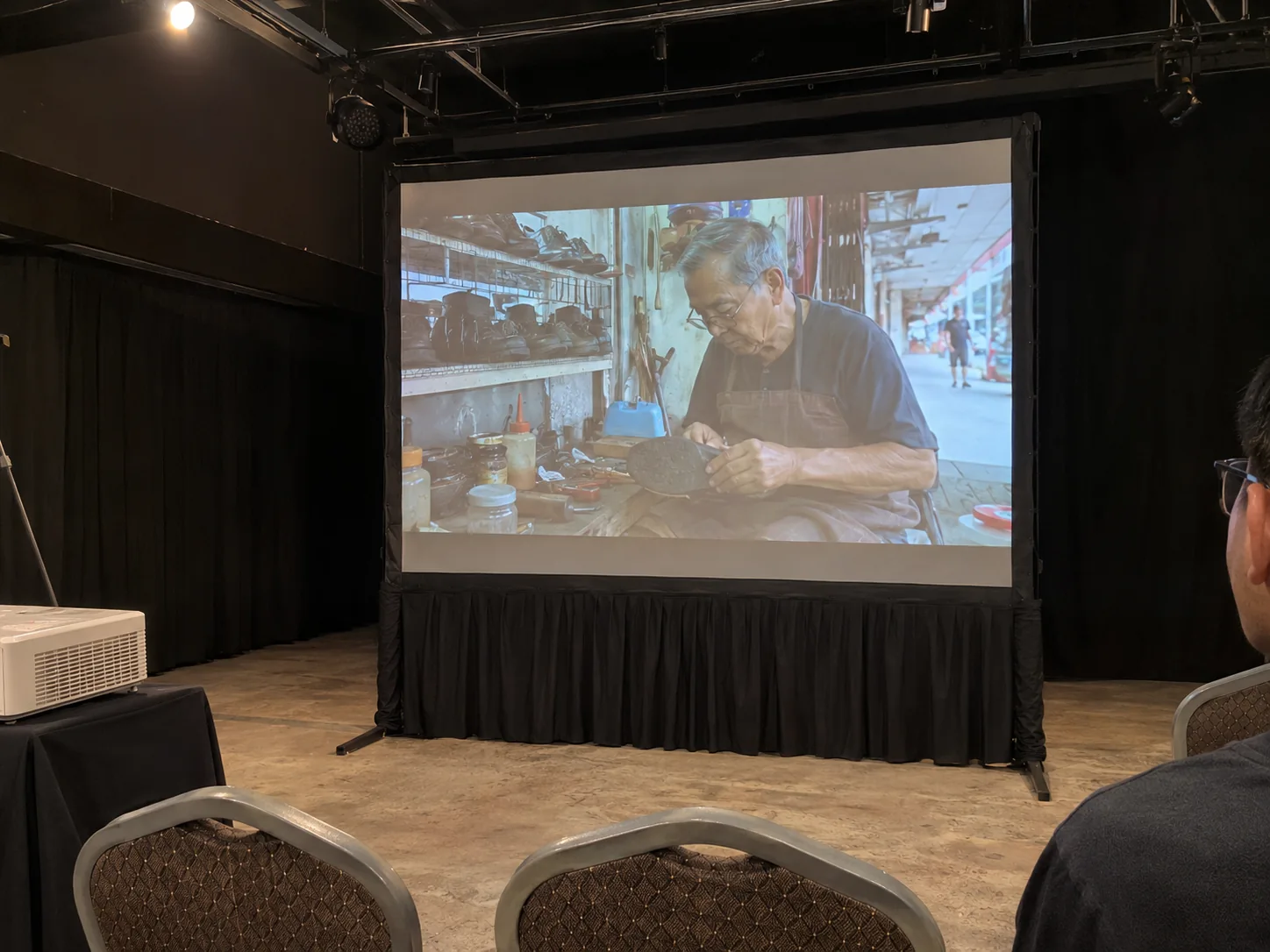
If the stage is shared with performers, identify when the screen can go up and when it has to clear. Rehearse the video with the stage manager before the hall opens.
Share the stage schedule if the projector is only needed between acts. Include rehearsal, any waiting time for a shared stage and the slot to collect once performers clear.