Prepare for the venue check
Send the event date, venue pin, layout and sample content. Ask which equipment, setup and operator hours are included before you confirm.
Send the room layout, stage dimensions and presentation schedule. Check dual-screen sightlines, presenter notes, cable runs and spare inputs.
Send the event date, venue pin, layout and sample content. Ask which equipment, setup and operator hours are included before you confirm.
Place the main screen on the seating plan and check from both sides and the farthest occupied row. Pillars, stage furniture and camera platforms can hide the bottom of the image. Use a sample with an agenda, voting result or fine figures to compare one large screen with two side screens.
Write down what each screen must show during slides, video and discussion. Include the confidence monitor, any recording feed and overflow rooms. During rehearsal, test the switchover on every destination and verify that speaker notes stay on the presenter view.
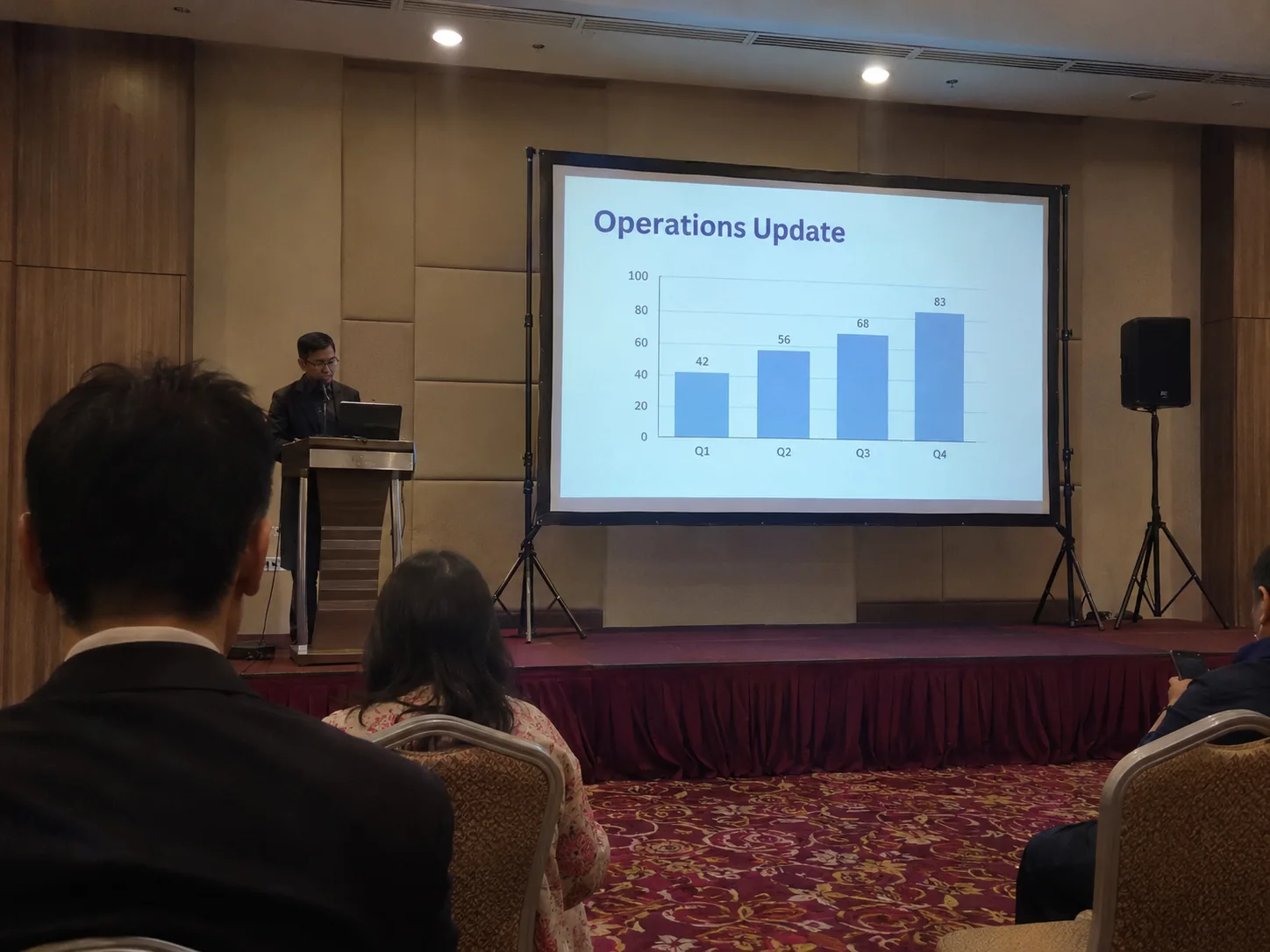

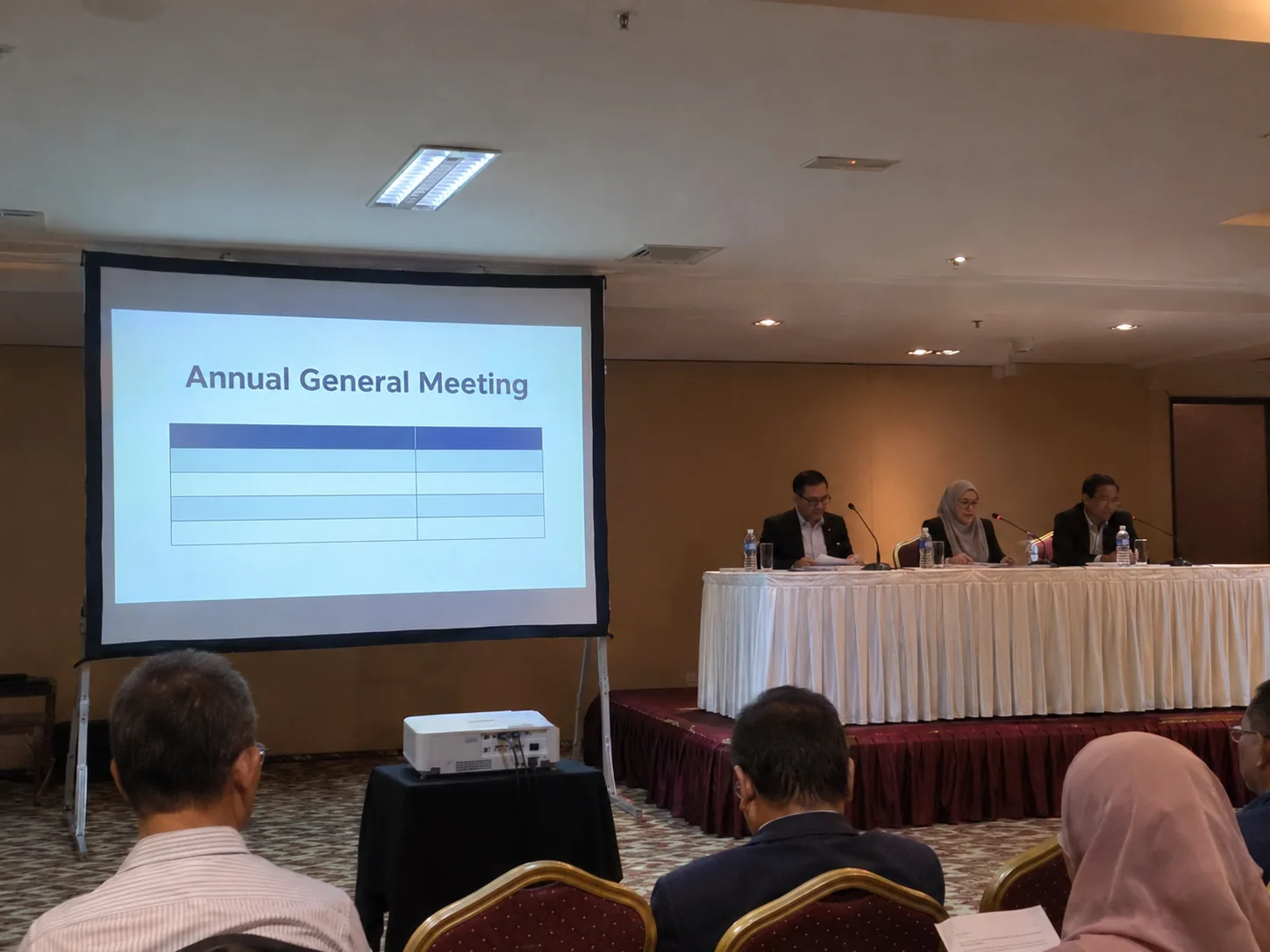

Consider two screens when side or rear seats have a poor view of the main screen. Send CK the floor plan and obstruction points.
Share when the chair wants results visible and which screen should hold an agenda or holding slide. Ask about a separate output if the operator needs to preview results privately before showing them publicly.