Measure active and overall width
Allow for frame, feet and any draping. An 8 × 6 ft active image is 4:3 and 120 inches diagonal.
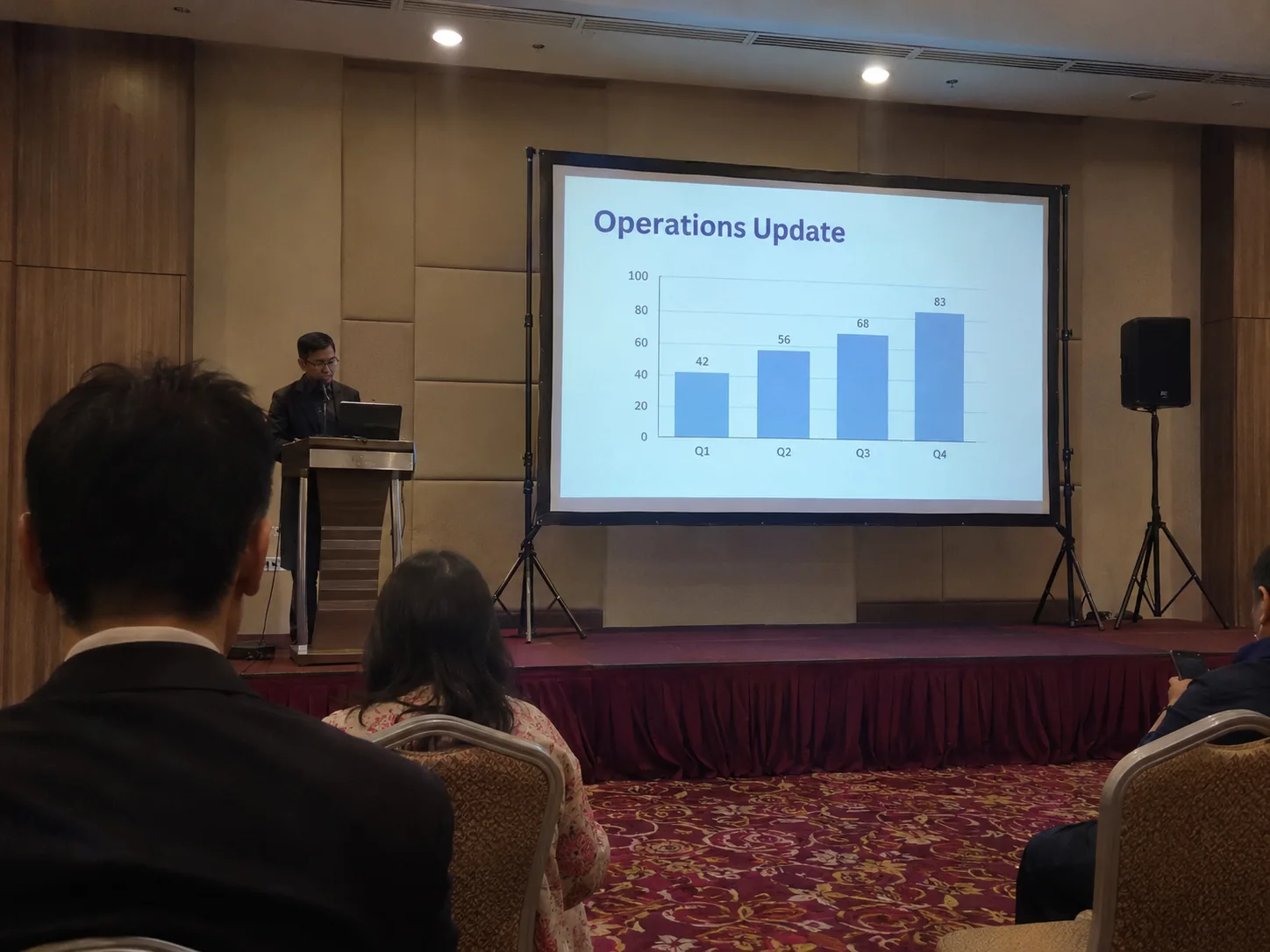
Request a tensioned fast-fold screen for a conference, ballroom or screening. Specify active dimensions, projection direction and clearance.
Allow for frame, feet and any draping. An 8 × 6 ft active image is 4:3 and 120 inches diagonal.
Choose front or rear fabric, then verify the available throw distance, lens shift and screen height.
Request the packed dimensions for the route from vehicle to stage and the assembled dimensions for the room. The image has to clear the heads or centrepieces in front, while the top of the frame must stay below lights, beams and fans. Skirting can cover the lower legs where the venue permits it.
Compare the actual montage or slide ratio with the frame’s active area. Set the smallest text size using a test from the rear occupied seat. A wider image may need a longer throw or a different lens position, so confirm both the lens chart and the seating layout before choosing a size.

Both can have a 120-inch diagonal, but 8 × 6 ft is 4:3. A 120-inch 16:9 image is about 8.72 × 4.90 ft.
Ask for a tensioned portable screen with a visible black border and skirting around the lower legs. Share a stage photo so CK can check height and frame position.
Yes, if the floor and clearance suit the frame and its feet. Check that the bottom of the picture is visible from the rear tables and the frame does not interfere with the stage entrance.