Prepare for the venue check
Send the event date, venue pin, layout and sample content. Ask which equipment, setup and operator hours are included before you confirm.
Test spreadsheets and small text from the last row. Ask about blackout blinds, laptop inputs and a clear route for cables.
Send the event date, venue pin, layout and sample content. Ask which equipment, setup and operator hours are included before you confirm.
Use a real spreadsheet or software screen during your venue check. Stand at the last seat with the blinds and lights set for taking notes. Compare a larger screen or split dense material over several slides if the smallest text is too hard to read.
Give each presenter the port or adapter requirements before the session. Test USB-C video output on the actual laptop and keep a local copy of the presentation. If a video needs sound, try it while the microphone is connected. Reserve setup time before registration opens.
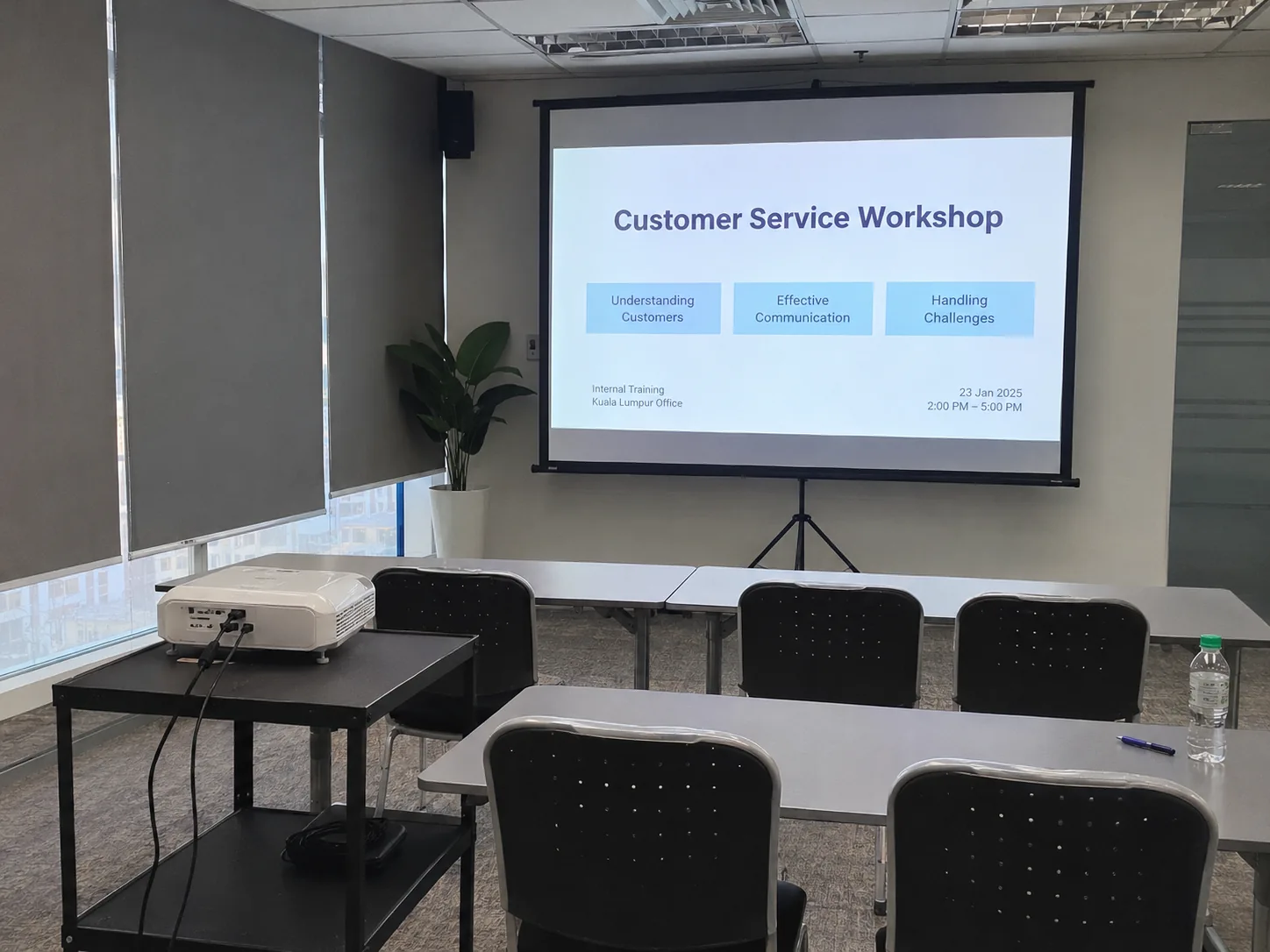

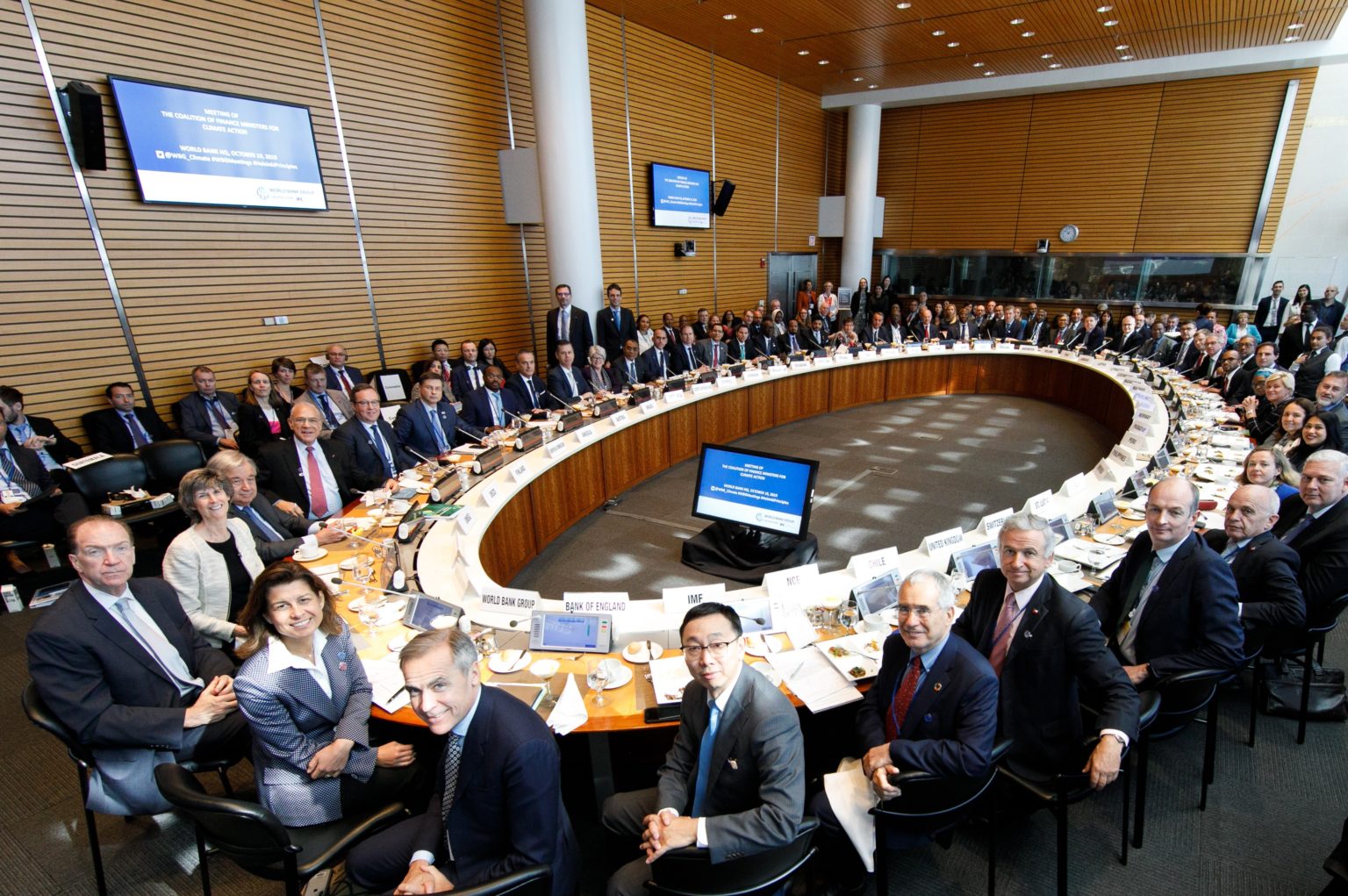
A TV may suit a small room with strong light. A projector can suit a wider image where light and placement are manageable.
Decide whether the second room watches live or repeats the session later. A live relay also needs a way for participants in the second room to ask questions if the format is interactive.