Prepare for the venue check
Send the event date, venue pin, layout and sample content. Ask which equipment, setup and operator hours are included before you confirm.
Share the montage, stage plan and banquet lighting cues. Check where guests can see the screen over centrepieces and whether venue audio accepts your playback source.
Send the event date, venue pin, layout and sample content. Ask which equipment, setup and operator hours are included before you confirm.
Use the final seating chart and stand behind the tallest centrepiece near the back. Check whether the screen is visible when people stand for entrances and when the emcee is on stage. A side fast-fold with lower skirting can help when the pelamin occupies the centre. Measure the frame height under the nearest lights.
Send the final video and a short cue list covering entrances, speeches and the montage. Keep an offline copy with the operator. Agree which lights can dim without affecting aisles, and test the video sound through the mixer separately from the emcee’s microphone.
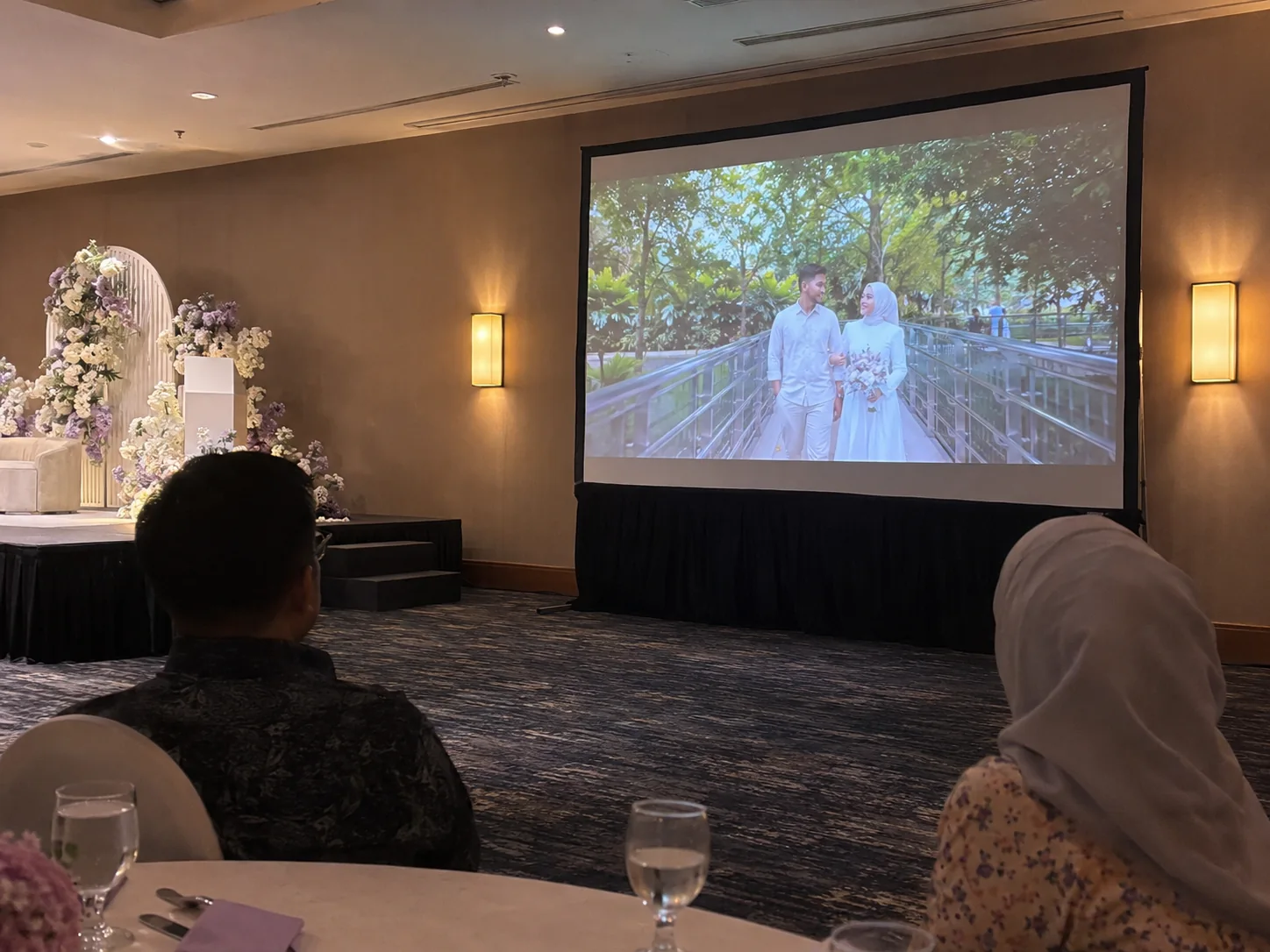

Send the montage format and camera signal details. Ask for switching, venue sound and a rehearsal to be included in the quote.
Send the actual screen dimensions, audio input and the venue technician’s contact. Confirm who controls the house system. Ask CK to quote only the remaining equipment or crew once that handover has been agreed.