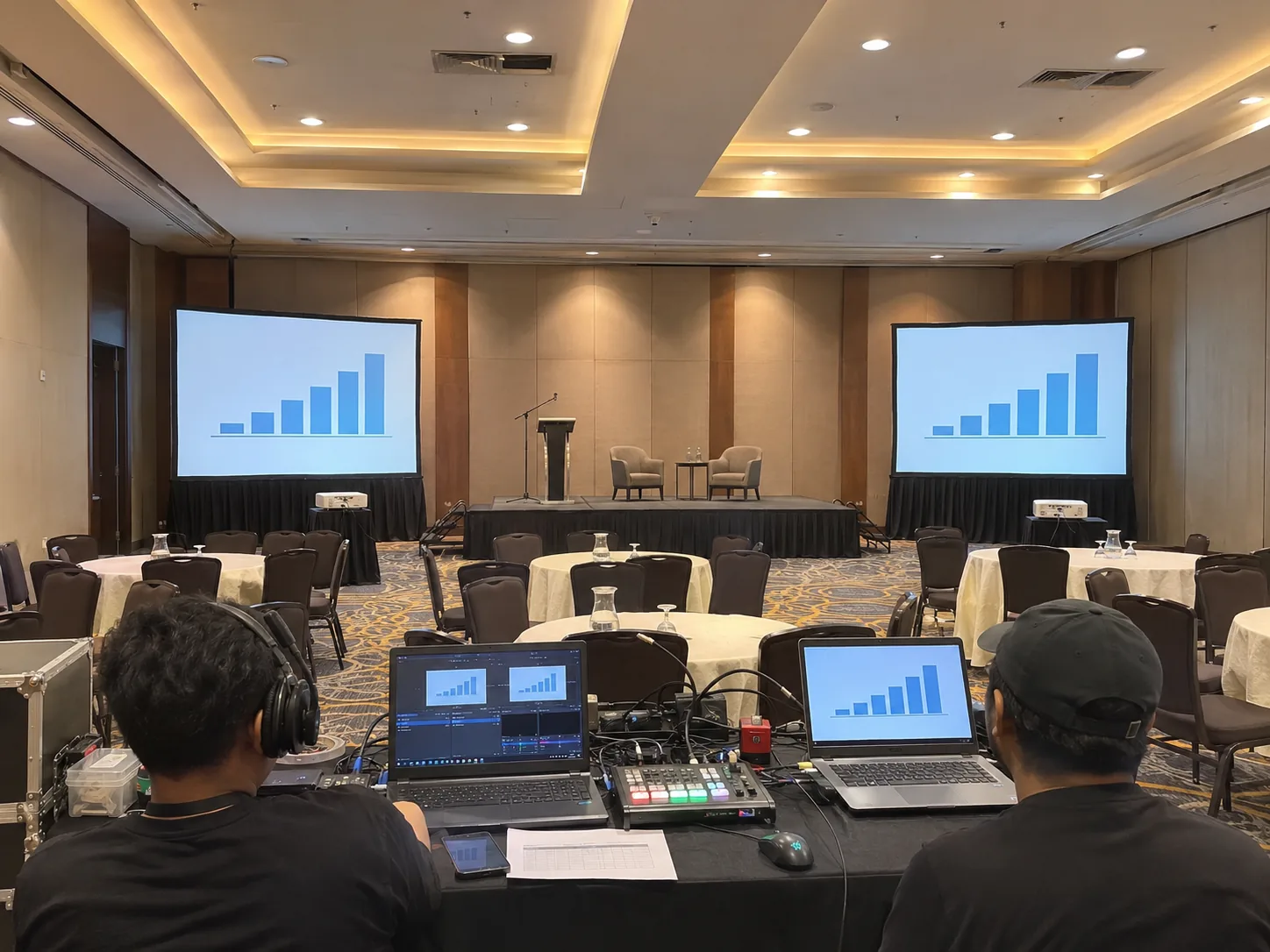
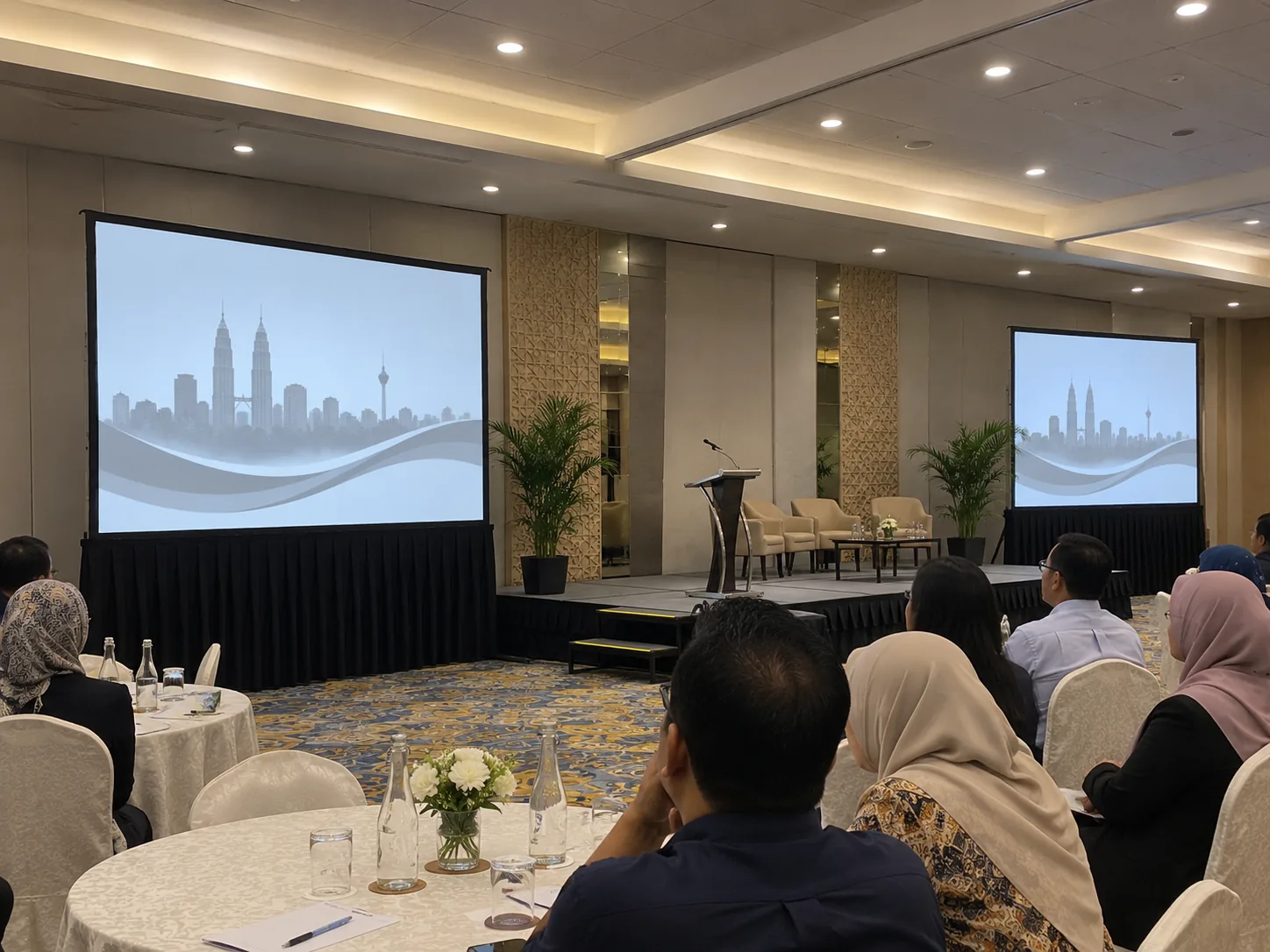
Design the picture for the seating blocks
Mark the main stage, pillars, top table and seats across the room. Consider a second portable screen if guests at either side cannot read the main image. State which screens mirror the main feed and whether a side room or recording needs its own output.
Prepare an input list and running order
List presenter laptops, playback, cameras and microphones by segment. Ask for sound coverage across the room and assign someone to cue each source during rehearsal. If the venue is providing its own speakers or mixing system, confirm the handover point and who operates it before adding equipment to the quote.
Budget for crew and event hours
Send the load-in, sound check, doors-open, finish and collection times separately. Ask CK to itemise the projector and lens, screen or screens, sound equipment, signal runs and operator hours. If a room reset or late strike is involved, give a separate time window for it.
Frequently asked questions
How should I request technician coverage?
Include load-in, rehearsal, show and collection times so CK can quote the right hours and any extra crew separately.
Does full sound include a second screen or recording?
Request those items specifically. Give the screen positions or recording feed requirements so CK can confirm the equipment, operator coverage and quote for each.