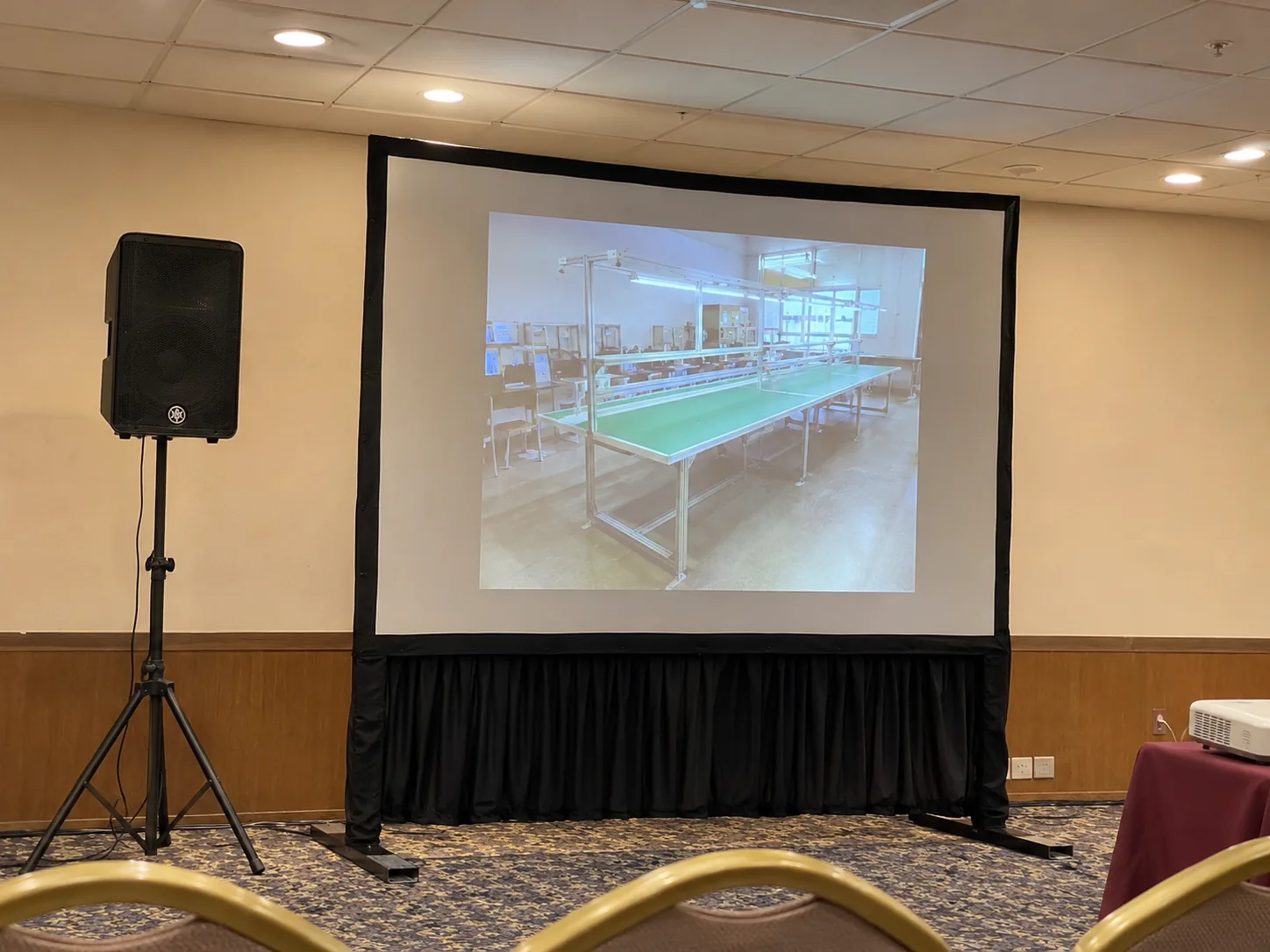
For training, seminars and short speeches
This package adds portable audio to the projector and screen. It suits a programme with one main presentation area and a modest audience, subject to the room layout and background noise. Give the farthest listening position, the number of microphones and whether the audience needs to ask questions.
Route speech and playback audio
List the microphone type, laptop or player and where the speaker can stand. Start by keeping the loudspeaker in front of the microphone and aimed toward the audience. During rehearsal, play a real clip and switch back to speech. Check both levels from the back of the room.
When to ask for a larger system
A divided ballroom, a panel with several speakers or a noisy hall can need more inputs and multiple speaker positions. Share the running order, seating and microphone handovers so CK can quote the portable PA or a full sound setup. Include rehearsal and collection windows and any house sound connection.
Frequently asked questions
Can the speaker play audio from my laptop?
Request playback audio when you book and share your laptop or media player model so CK can confirm the connection.
Can the portable PA use the venue audio?
Tell CK which input or output the venue provides and who can approve using it. Test the actual connection before the programme, including microphone and laptop sound if both are required.