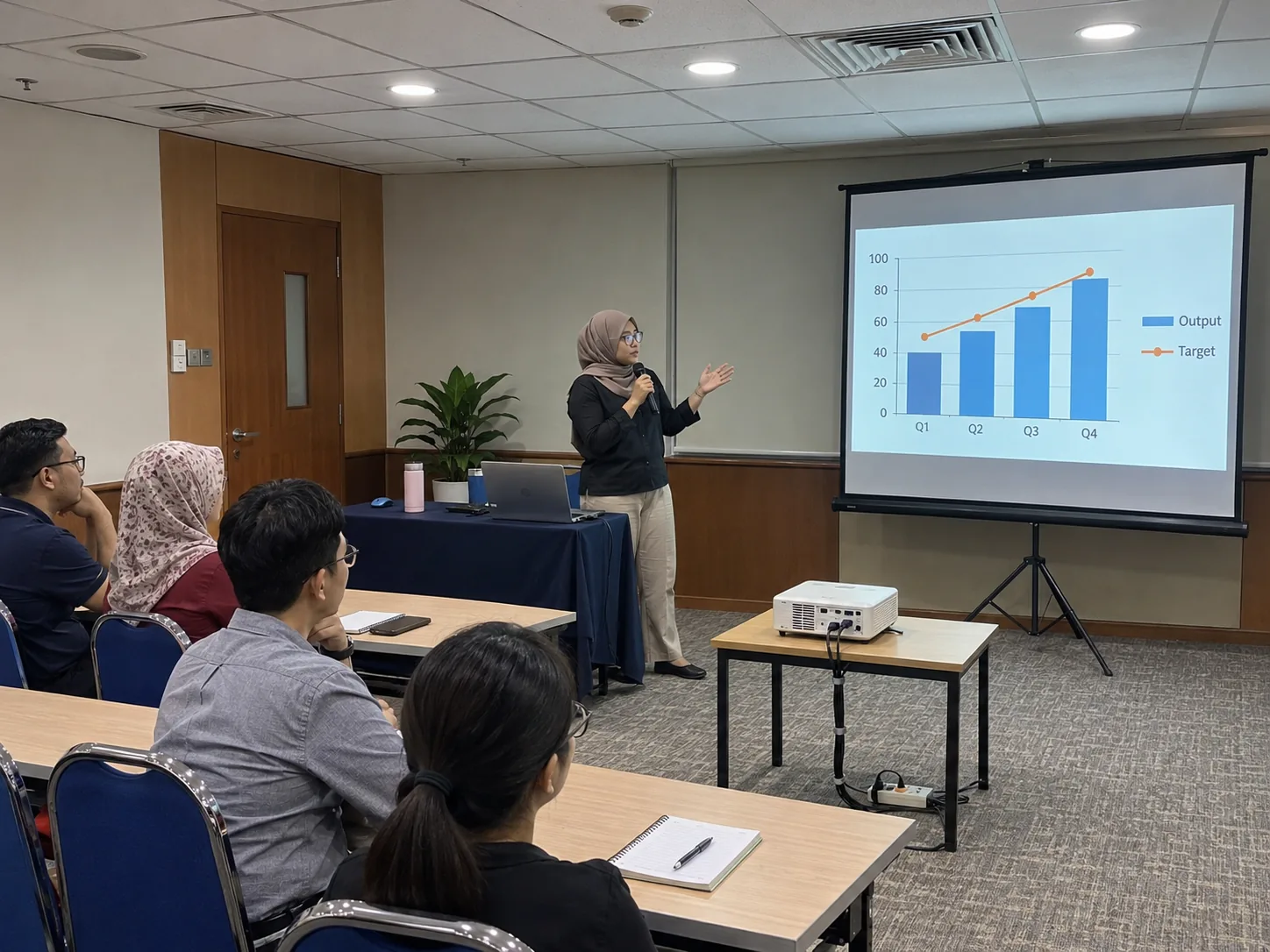
When to book this package
Use it for slides, training notes or a slideshow when the room already has suitable sound or the programme has no microphone. Tell CK whether the audience must read a spreadsheet, watch a film or follow a speaker. For fine text, check the last seat before picking the screen size.
Tripod or fast-fold screen?
A tripod works for a compact room with room for its feet. Compare a fast-fold frame if the back row needs a taller image or the bottom of the picture must clear banquet tables. Send the clear wall width, lowest ceiling fitting and space available between the lens and fabric.
Before your presentation starts
Give the presenter’s laptop model and connection type, plus a photo taken at event time if the room has large windows. Ask for delivery, setup, testing and collection to be listed in your MYR quote. Run the real presentation and one sample video before guests arrive, including any sound through the venue system.
Frequently asked questions
Can I use the screen already at my venue?
Yes. Send the active screen dimensions, screen type and available lens distance so CK can quote projector-only hire.
Can I add a microphone later?
Ask CK to confirm the change before the booking. A microphone needs a compatible speaker or venue input. Share whether the same system must also play sound from your laptop.