Allow room for the legs
Keep the stand away from doors, cables and guest aisles. Measure the bottom of the image with the stand extended.
Request a freestanding screen for a small indoor presentation, training session or slideshow. Check the active image and stand footprint.
Keep the stand away from doors, cables and guest aisles. Measure the bottom of the image with the stand extended.
A square screen can display a widescreen image with unused fabric. Size the setup using the lit rectangle.
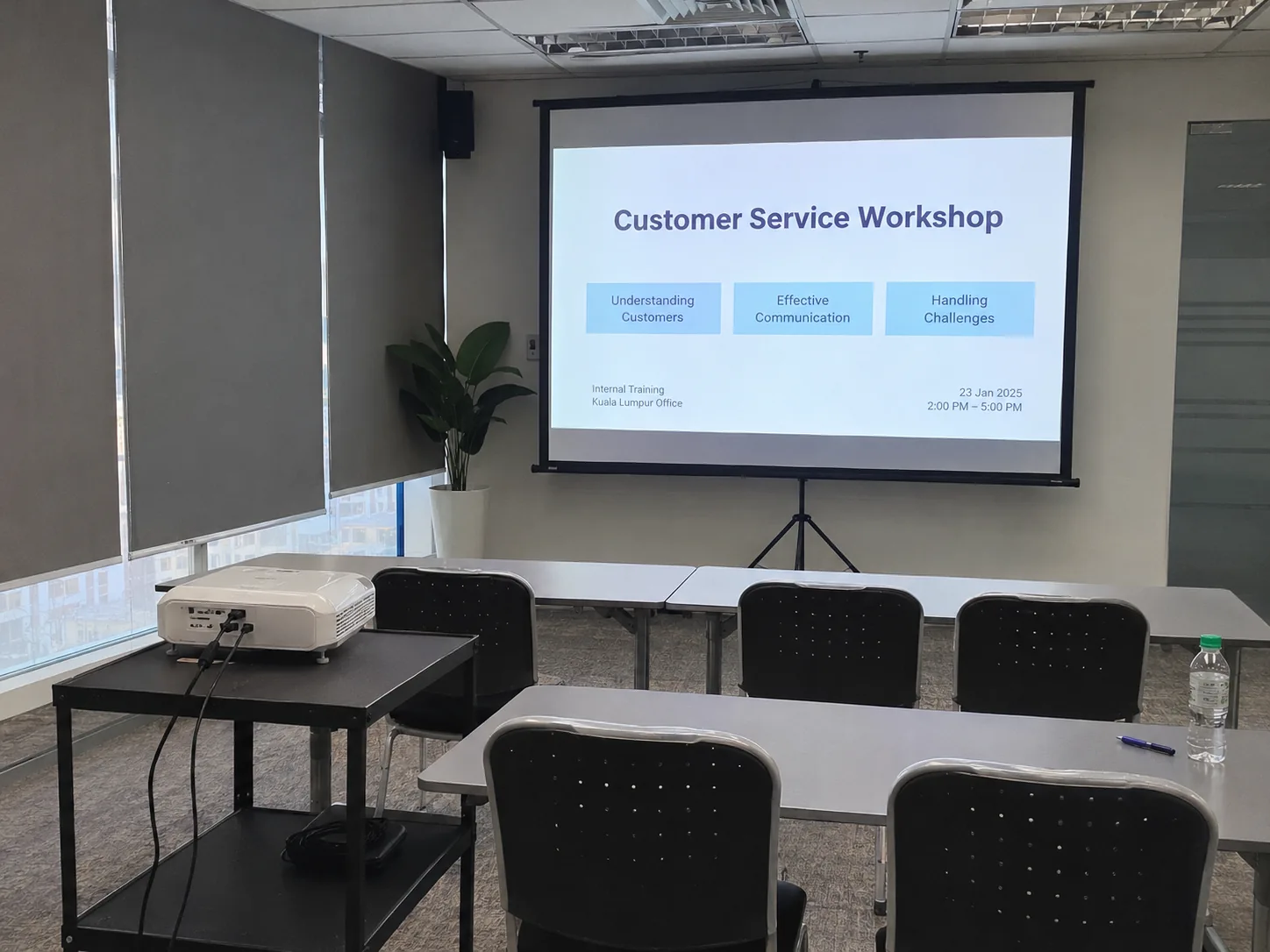
Open the legs to their working position and measure the space before filling the room with chairs. Check the image starts high enough for the rear row. If lowering the screen is the only way to clear the ceiling or projector beam, a different display position may give a better view.
For 16:9 slides on a square tripod screen, measure the lit width and height with the actual source. A slide can look smaller than expected when borders are unused. Compare a 100-inch guide size or choose a larger frame if people cannot read the smallest text from their seats.

Share wind exposure, floor conditions and shelter with CK. Use a screen and support system approved for the conditions at that venue.
Measure the fully opened feet and the remaining aisle. Ask CK for the stand footprint and minimum image height, then compare a wall-side position or a screen the venue already has.
Send the maximum width, ceiling clearance, intended image ratio, farthest seat and projector lens position. Include the floor or stage height if the stand needs to sit above the audience.