Measure from the lens
Measure the clear horizontal distance from the lens position to the screen. Keep space for the chassis, cables and people passing behind it.
A short-throw projector can create a wide picture in limited room depth. Check the active image width and the specific lens before booking.
Measure the clear horizontal distance from the lens position to the screen. Keep space for the chassis, cables and people passing behind it.
A rigid or tensioned surface can be useful when the lens sits close to the image. Confirm offset and compatibility for the actual model.
For a 120-inch 16:9 image, the active width is about 2.66 m. With 2 m available from lens to fabric, the required ratio is roughly 0.75:1. Check the exact model’s range for that image size and leave space for the body, cables and frame. The ratio only estimates distance along the beam.
In a booth or narrow training room, lay out the table and screen at their real height. Check image corners on a flat, compatible surface and make sure someone demonstrating can reach the desk without blocking the beam. Use the projector’s installation chart to confirm the offset, then try a real slide in the room lighting.
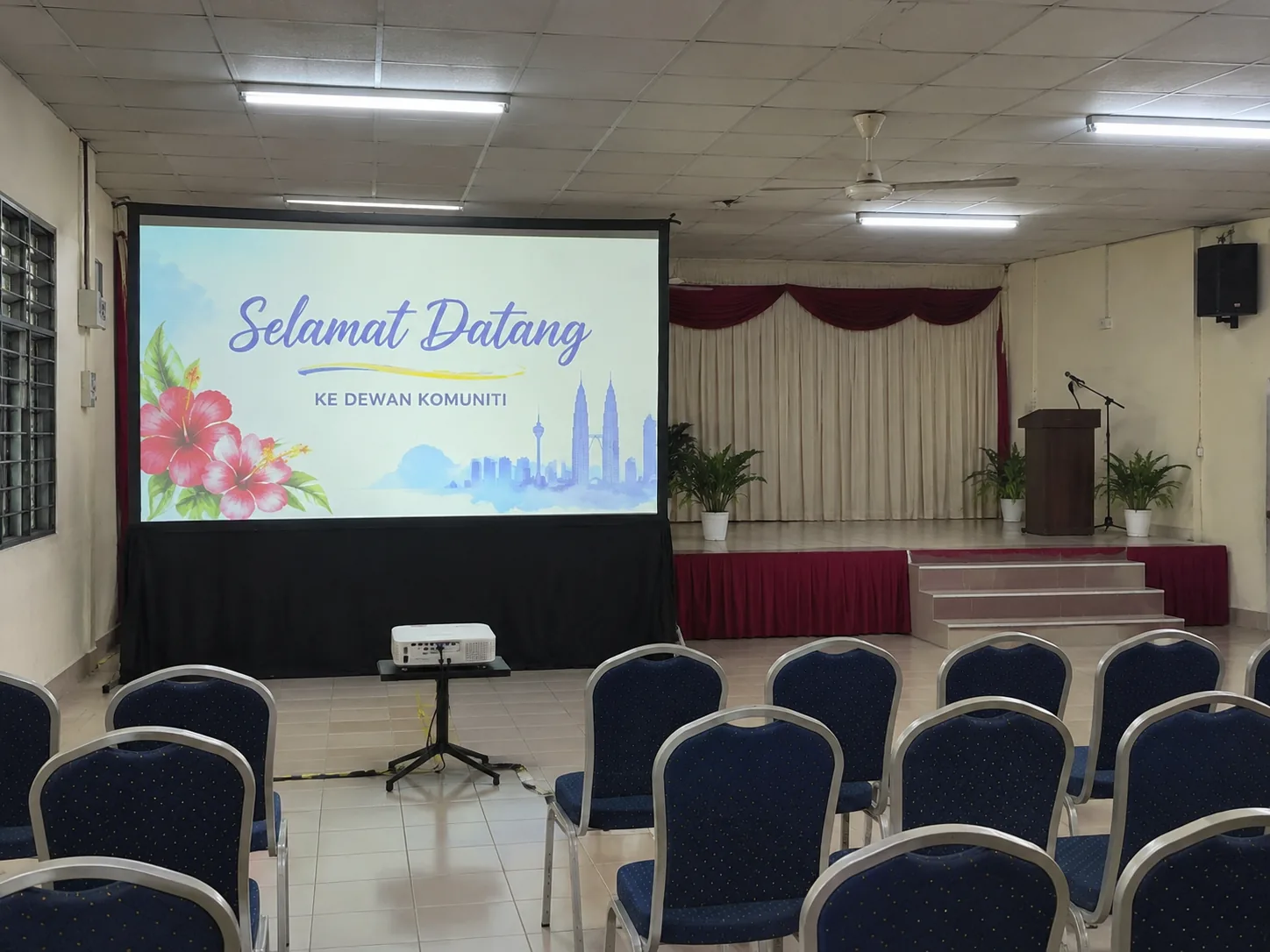

Multiply active image width by the lens throw ratio as an estimate. A 2 m image with a 0.5:1 lens is about 1 m from the lens, subject to the model’s installation chart.
Move the display and lens within the approved event area. If there is no clear geometry, compare a TV for close viewing or rear projection where protected space is available behind the screen.